Skip to product information
SKU: 2011959

Insert Cards, Fingerpaint Sampler - R20 (12 ct)

Regular price Rs. 825.00
Sale price Rs. 825.00 Regular price Off
  • Delivery time: 5-7 days
  • Free shipping on all orders above ₹ 1,000

Description

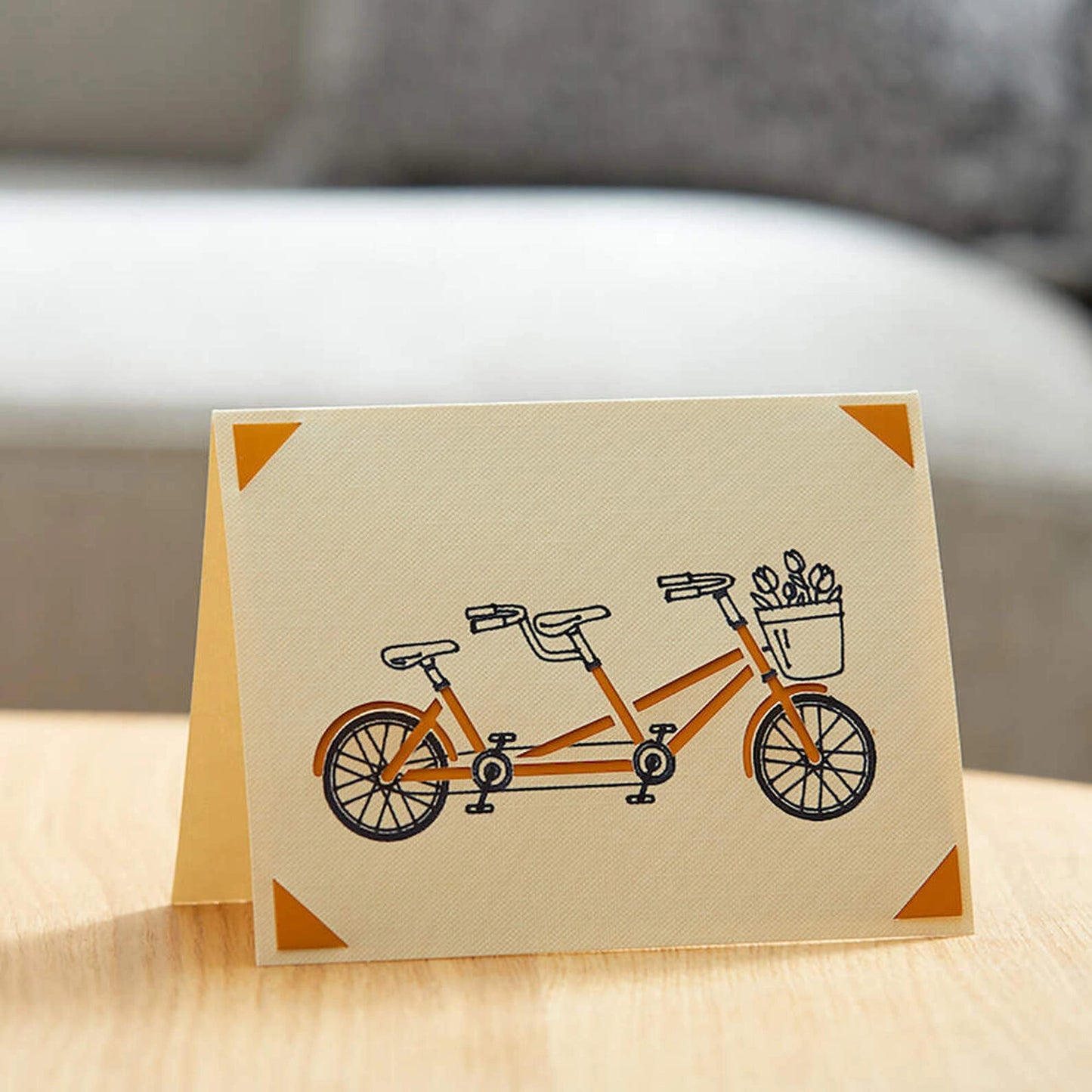
Make meaningful greeting cards in no time with Insert Cards for your Cricut® cutting machine. Create custom designs with a personal connection you can't get from cards off the rack. Every cut will reveal the complementary hue of the insert inside. The ingenious glue-free design allows for two-tone, depth-filled cards without the hassle or mess of glue.


This sampler includes cards, complimentary inserts, and envelopes — an assortment to please every card recipient on your list! Requires compatible Cricut Card Mat (sold separately). Available in a variety of sizes and colorways.

Features

  • Includes: 12 R20 cards (4 of each color) in Taupe, White, Cream; 12 Black inserts; 12 White envelopes
  • Dimensions: R20 Cards 4.25 in x 5.5 in (10.8 cm x 14 cm), Inserts 4 in x 5.25 in (10.2 cm x 13.3 cm), Envelopes 4.4 in x 5.75 in (11.1 cm x 14.6 cm)
  • Create Custom Cards: With Cricut Insert Cards, you can make vibrant two-tone greeting cards without the mess or hassle of glue.
  • Use With: Cricut Explore™ and Cricut Maker™ machines, Cricut Joy™, and Cricut Joy Xtra™
  • Optimized for Cricut: Engineered for maximum performance with Cricut cutting machines.

Compatibility

Cricut Maker
Cricut Explore Machines
Cricut Joy & Joy 2
Cricut Joy 2
Cricut Joy Xtra
Cricut Maker 3 & 4
Cricut Explore 3 & 4
Cricut Explore 5
Cricut Venture

FAQ

Which Cricut machine is right for me?

Cricut offers different machines with varying capabilities. Cricut Explore is a versatile option for a wide range of materials, while Cricut Maker provides unmatched material compatibility and advanced tools for intricate projects. Cricut Joy is ideal for quick and easy projects on the go.

Do I need design experience to use Cricut?

No! Cricut Design Space software is user-friendly and offers a comprehensive library of free and paid projects to get you started. You can start by uploading your own designs or browse countless options for cards, invitations, T-shirts, home decor, and more.

How do I cut designs with a Cricut machine?

Cricut Design Space software allows you to upload or choose a design, customize it, and send it to your machine for precise cutting.

Can I use other materials with my Cricut machine?

You may be able to use materials not specifically sold by Cricut, but it’s essential to check compatibility with your machine and ensure the material is safe for cutting.

How do I get help with my Cricut machine?

Cricut offers a comprehensive Help Center with articles, tutorials, and troubleshooting guides. You can also contact our customer support team for assistance.

Insert Cards, Fingerpaint Sampler - R20 (12 ct)

Insert Cards, Fingerpaint Sampler - R...

Regular price Rs. 825.00
Sale price Rs. 825.00 Regular price