Cricut Maker 3 + Essentials Materials Bundle
Couldn't load pickup availability
- Delivery time: 5-7 days
- Free shipping on all orders above ₹ 1,000
Description
Description
A curated array of Cricut favorites. Get the ultimate smart cutting machine, plus popular Smart Materials and tools to get you started.
Now smarter and faster than ever, Cricut Maker 3 has the power to cut 300+ materials – everything from the most delicate fabric and paper to heavy chipboard, tooled leather, balsa wood, and more. With speeds up to 2X faster than the previous generation, Cricut Maker 3 is compatible with all-new Smart Materials for super-long, super-precise cuts up to 12 ft (3.6 m) without a mat. Choose from 13 tools to cut, score, write, deboss, engrave, or add myriad other decorative effects with pro-level power and precision. With 10X more cutting power than Cricut Explore-family machines, Cricut Maker 3 has the versatility and performance to take your creativity to the ultimate level. Use with Design Space® app for iOS®, Android™, Windows®, and Mac®.*
Materials in bundle may be substituted based on availability.
Features
Features
- Get Cricut Maker 3, plus an array of Smart Materials & tools
- Cuts 300+ materials, from the most delicate fabric and paper to matboard and leather1
- Compatible with 13 tools for cutting, writing, scoring, foiling & embellishing2
- Up to 2X faster than its predecessor3
- 10X the cutting force4
- Compatible with Smart Materials for cuts up to 12 ft (3.6 m) in one go5
- Works with Rotary Blade for cutting virtually any fabric2
- Works with Knife Blade for thicker materials up to 2.4 mm2
- Works with Scoring Wheels to create razor-sharp creases and crisp folds2
- Works with Foil Transfer Tool adds pro-level foil embellishments2
- Additional tools available for creating decorative effects like engraving, debossing & more2
- Bluetooth® wireless technology*
- Docking slot, USB port for charging devices & built-in storage
- Compatible with Cricut Roll Holder to support rolls of Smart Material up to 75 ft (22.8 m)2
- Free design app for Windows® and Mac® computers and iOS® and Android™ devices
- Cricut Manufacturer Warranty 2
- For compatible materials see cricut.com/materials
- Additional tools & accessories sold separately. For compatible tools, see cricut.com/blades
- When cutting Cricut® Smart Materials™, compared to Cricut Maker® using Fast Mode
- Compared to Cricut Explore Air® 2
- With Smart Materials™ over 6 in (15.2 cm) in length
Specifications
Specifications
- Cricut Maker 3 machine
- Premium Fine-Point Blade + Housing
- Welcome card
- USB cable
- Power adapter
- Free trial subscription to Cricut Access™ (for new subscribers)
- 100 ready-to-make projects online
- Material for a practice cut
Bundled with:
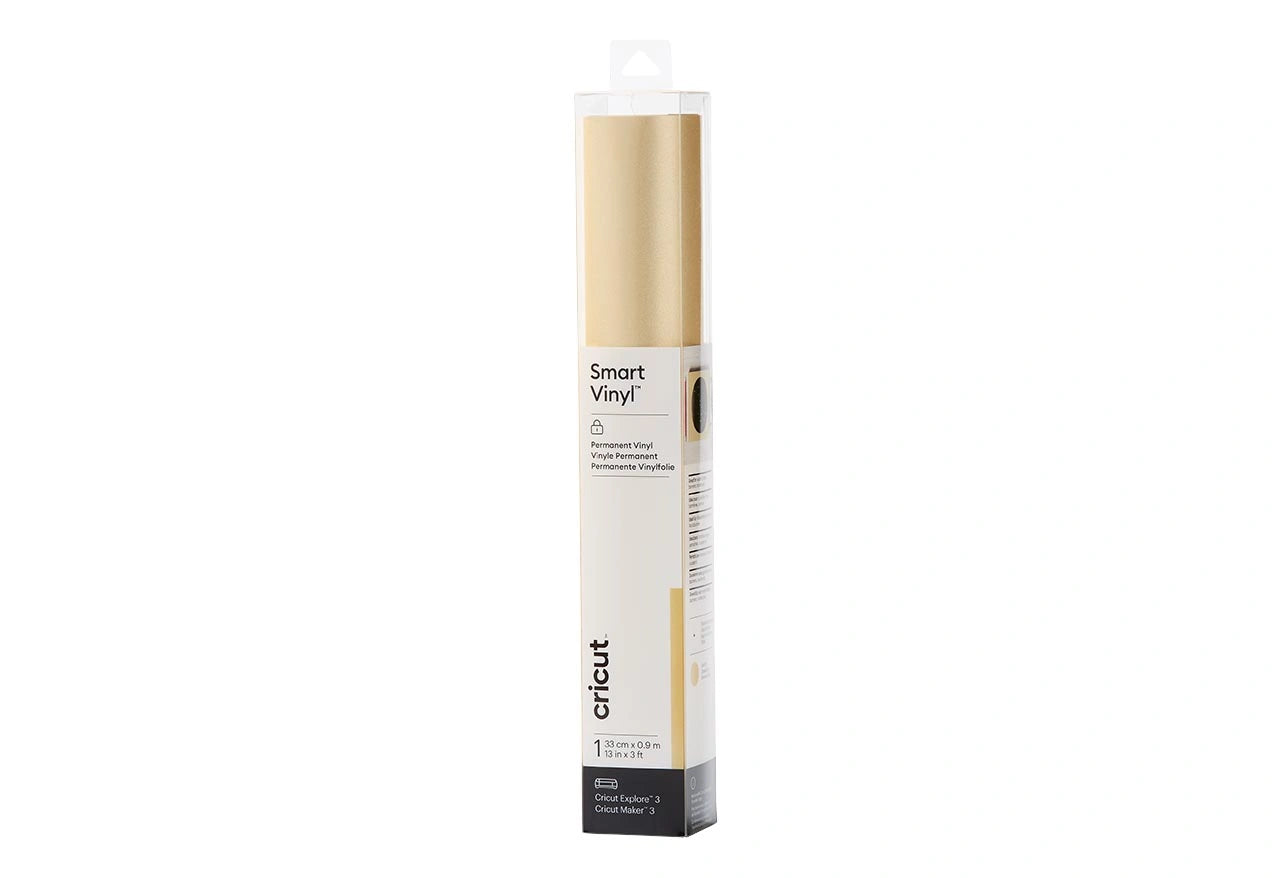
- Smart Vinyl Permanent- 3′ Mat Silver, shimmer gold, Black
- Transfer Tape (21 ft)
- Smart Iron-On, Black – 3 ft
- Smart Iron-On, White – 3 ft
- Smart Iron-On – Glitter, Gold – 3 ft
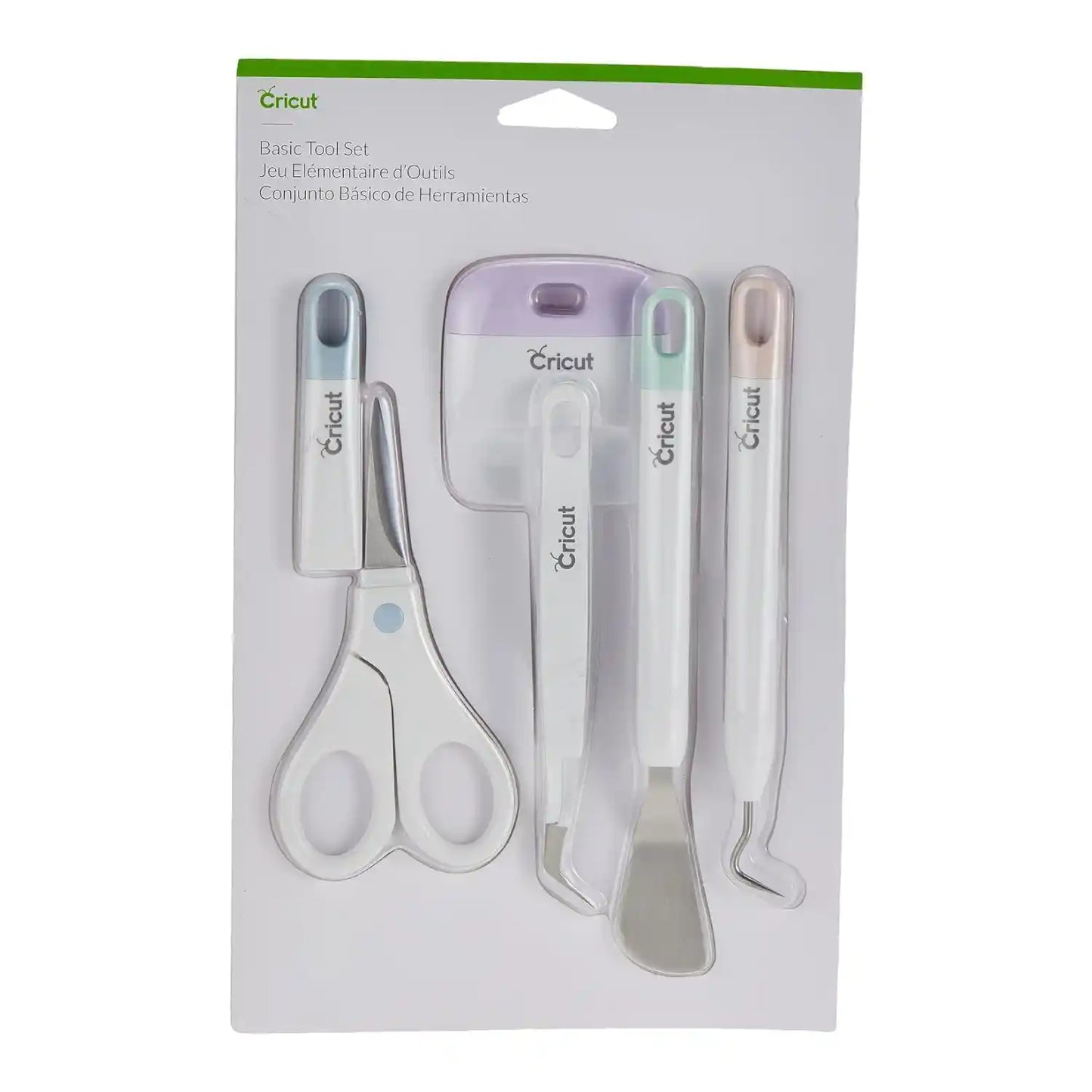
- Basic Tool Set
- Standard Grip 12X12X1
Share:

Not very satistisfied with the purchase , product is good but the sales after service is not good. We have to do lot of followups .
The learning kits are a great tool to have! I love mine
nice product
FAQ
Which Cricut machine is right for me?
Cricut offers different machines with varying capabilities. Cricut Explore is a versatile option for a wide range of materials, while Cricut Maker provides unmatched material compatibility and advanced tools for intricate projects. Cricut Joy is ideal for quick and easy projects on the go.
Do I need design experience to use Cricut?
No! Cricut Design Space software is user-friendly and offers a comprehensive library of free and paid projects to get you started. You can start by uploading your own designs or browse countless options for cards, invitations, T-shirts, home decor, and more.
How do I cut designs with a Cricut machine?
Cricut Design Space software allows you to upload or choose a design, customize it, and send it to your machine for precise cutting.
Can I use other materials with my Cricut machine?
You may be able to use materials not specifically sold by Cricut, but it’s essential to check compatibility with your machine and ensure the material is safe for cutting.
How do I get help with my Cricut machine?
Cricut offers a comprehensive Help Center with articles, tutorials, and troubleshooting guides. You can also contact our customer support team for assistance.
Cricut Maker 3 + Essentials Materials...