Cricut Joy Xtra
Couldn't load pickup availability
- Delivery time: 5-7 days
- Free shipping on all orders above ₹ 1,000
Description
Description
Our fits-in-any-space, looks-good-anywhere smart cutting machine. Cricut Joy Xtra™ cuts, writes, draws, and foils to make popular projects like full-color stickers, custom cards, T-shirts, vinyl decals & more.
Works with free Design Space app.
Features
Features
- Works with 50+ materials, including popular materials like vinyl, iron-on & cardstock1
- Compatible with your home inkjet printer to print then cut full-color designs
- Cuts intricate designs with precision
- Writes, draws, foils, and more2
- Works with popular material sizes, including US Letter and A4
- Free, easy-to-learn Design Space® app
- Bluetooth® wireless technology3
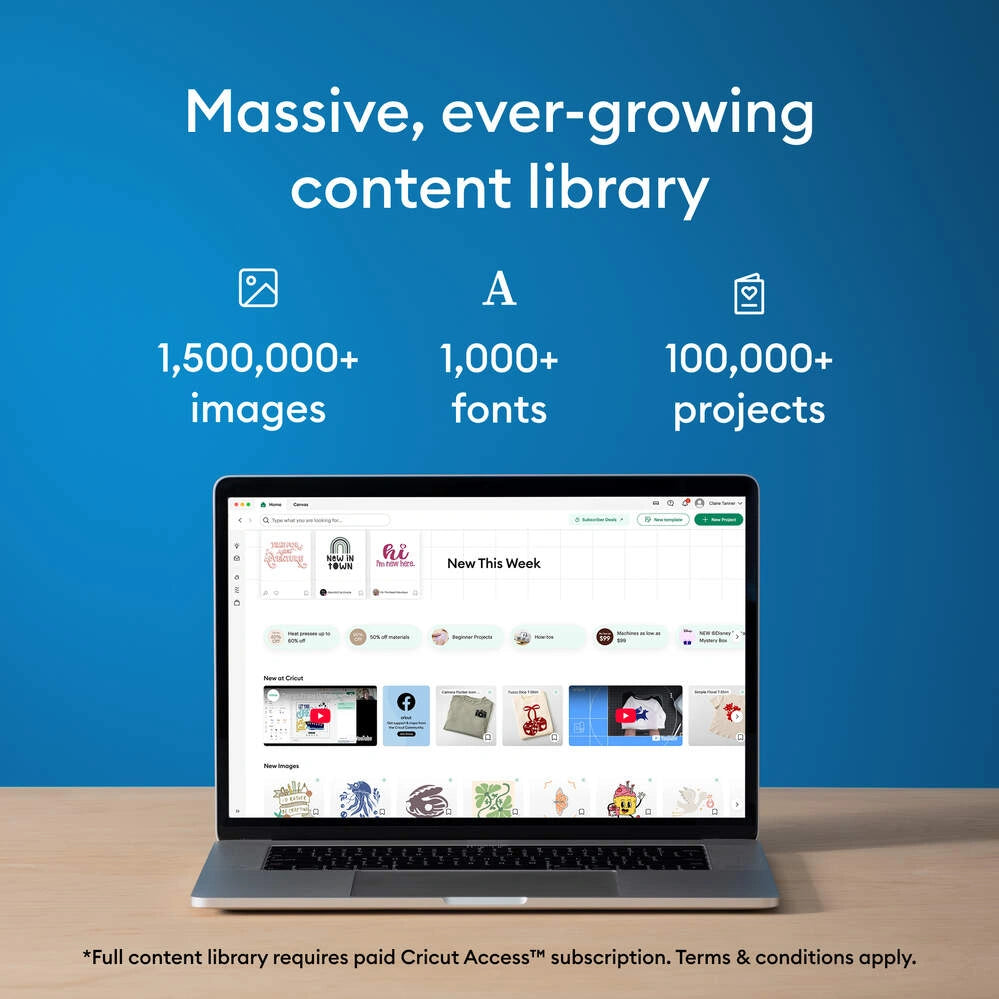
- Upload & cut your own designs or choose from the Cricut Design Space library
- Online courses & beginner cheatsheets
- World-class customer support is available via phone or chat
- Cricut Manufacturer Warranty4
Specifications
Specifications
- Dimensions: 12.5 in x 6 in x 5.5 in (31.7 cm x 15.2 cm x 13.9 cm)
- Weight: 6 lbs (2.7 kgs)
- Max cut size using machine mat: 8.2 in x 11.7 in (20.8 cm x 29.7 cm)
- Max cut size using Smart Materials: 8.5 in x 4 ft (21.6 cm x 1.2 m)
- Cut speed: 5.65 in per second
Share:

FAQ
Which Cricut machine is right for me?
Cricut offers different machines with varying capabilities. Cricut Explore is a versatile option for a wide range of materials, while Cricut Maker provides unmatched material compatibility and advanced tools for intricate projects. Cricut Joy is ideal for quick and easy projects on the go.
Do I need design experience to use Cricut?
No! Cricut Design Space software is user-friendly and offers a comprehensive library of free and paid projects to get you started. You can start by uploading your own designs or browse countless options for cards, invitations, T-shirts, home decor, and more.
How do I cut designs with a Cricut machine?
Cricut Design Space software allows you to upload or choose a design, customize it, and send it to your machine for precise cutting.
Can I use other materials with my Cricut machine?
You may be able to use materials not specifically sold by Cricut, but it’s essential to check compatibility with your machine and ensure the material is safe for cutting.
How do I get help with my Cricut machine?
Cricut offers a comprehensive Help Center with articles, tutorials, and troubleshooting guides. You can also contact our customer support team for assistance.
Cricut Joy Xtra